Most creators set up their OnlyFans account and wait for PPV messages to generate income on their own. They never do - not at scale. From managing multiple accounts the pattern is always the same. Creators who rely only on subscriptions stall fast. Creators who master OnlyFans PPV messages scale consistently.
This guide covers everything about OnlyFans PPV messages - how they work, how to price them, how to send them effectively, and the PPV strategy that actually generates income.
What Is an OnlyFans PPV Message?
PPV stands for pay-per-view. An OnlyFans PPV message is a direct message sent to a subscriber that contains locked content - a photo, video or audio file - that the subscriber has to pay to unlock. The content stays locked until payment is made. If the subscriber does not pay they never see it.
PPV is separate from the subscription fee. A subscriber pays to access your feed. PPV is an additional charge on top of that for specific content delivered directly to their inbox.
How Do OnlyFans PPV Messages Work?
You select content from your Vault or upload new content, set a price, and send it as a direct message to one subscriber or to your entire subscriber base through Mass Messages. The subscriber receives the message in their inbox and sees a locked preview. They tap to unlock and pay the price you set. Once paid the content is revealed and the money lands in your account minus OnlyFans 20% fee.
The process is simple but the strategy behind it is what separates accounts making $500 a month from accounts making $10,000.
How to Send OnlyFans PPV Messages
Go to your Messages tab and open a conversation or start a new one. Tap the attachment icon and select content from your Vault or upload directly. Set your PPV price before sending. Add a caption that creates curiosity and send.
PPV is just one of the features OnlyFans offers for monetization. For a full overview of every OnlyFans feature read our complete OnlyFans features guide
For Mass PPV messages go to New Message, select Mass Message, choose your audience - all subscribers, specific lists, or fans who have not purchased a specific piece of content before - set your price and send.
For a full breakdown of how to organize your Vault for PPV sending read our complete OnlyFans Vault guide.
How to Price OnlyFans PPV Messages
From experience these are the pricing ranges that convert best in 2026:
| Content Type | Price Range |
|---|---|
| Single photo | $10 to $20 |
| Photo bundle | $20 to $50 |
| Short video under 3 minutes | $25 to $50 |
| Longer video 5 to 10 minutes | $35 to $100 |
| Custom content | $150 to $300 plus |
The key principle is consistency. Every chatter on your account needs to know exactly what each content set costs before they send it. Inconsistent PPV pricing across a chatter team is one of the most common and most expensive mistakes agencies make.
OnlyFans PPV vs Subscription - What Is the Difference?
Your subscription fee gives fans access to your public feed. PPV is additional content delivered directly through DMs that costs extra on top of the subscription. Most creators earn significantly more from PPV than from subscriptions alone.
The numbers prove it. On accounts we have managed Messages - which includes PPV sales - consistently generate 10 to 30 times more revenue than subscriptions. Subscriptions bring fans in. PPV is where the real income is generated.
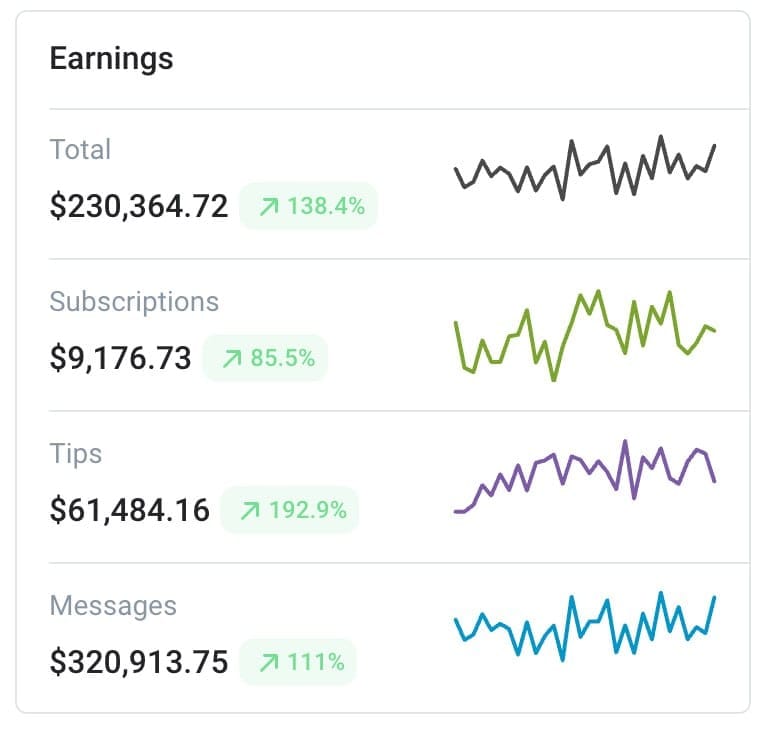
| Income Source | Average Share of Total Earnings |
|---|---|
| Messages and PPV | 55 to 70% |
| Tips | 20 to 30% |
| Subscriptions | 5 to 15% |
Creators who understand this build their feed strategy around creating demand for PPV rather than satisfying it. The subscription brings fans in. PPV is how you actually make money from them.
OnlyFans Mass PPV Messages
Mass PPV messages let you send the same locked content to your entire subscriber base or a specific segment in one send. This is one of the fastest ways to generate a revenue spike without creating new content.
From experience a well timed Mass PPV to all subscribers who have not yet purchased a specific set can generate hundreds of dollars in under an hour on mid-sized accounts. The key is segmentation - always send to subscribers who have not yet bought that specific content to avoid sending duplicates to fans who already paid.
For a full breakdown of how to send Mass Messages effectively read our complete OnlyFans Mass Messages guide.
OnlyFans PPV Strategy That Actually Works
The most effective PPV strategy combines three things - the right content, the right timing, and the right caption.
Content - Your PPV content should always be a step above what you post on your feed. If your feed is SFW or semi-SFW your PPV should be the content fans cannot get anywhere else. The bigger the gap between feed content and PPV content the more motivation subscribers have to purchase.
Timing - Send PPV after engagement spikes. If you just posted a teasing photo on your feed and got a lot of comments and DMs, that is the moment to send a PPV. The fan is already warmed up and thinking about you.
Caption - The caption on your PPV message does most of the selling. A blank PPV or a generic caption converts at a fraction of the rate of a well written tease.
For a full breakdown of how to organize your content for PPV sending read our complete OnlyFans Vault guide.
OnlyFans Creators Who Use PPV Effectively
From experience the creators who generate the most from PPV are the ones who combine consistent feed content with well timed PPV sends. They build anticipation on the feed and convert it into income through DMs.
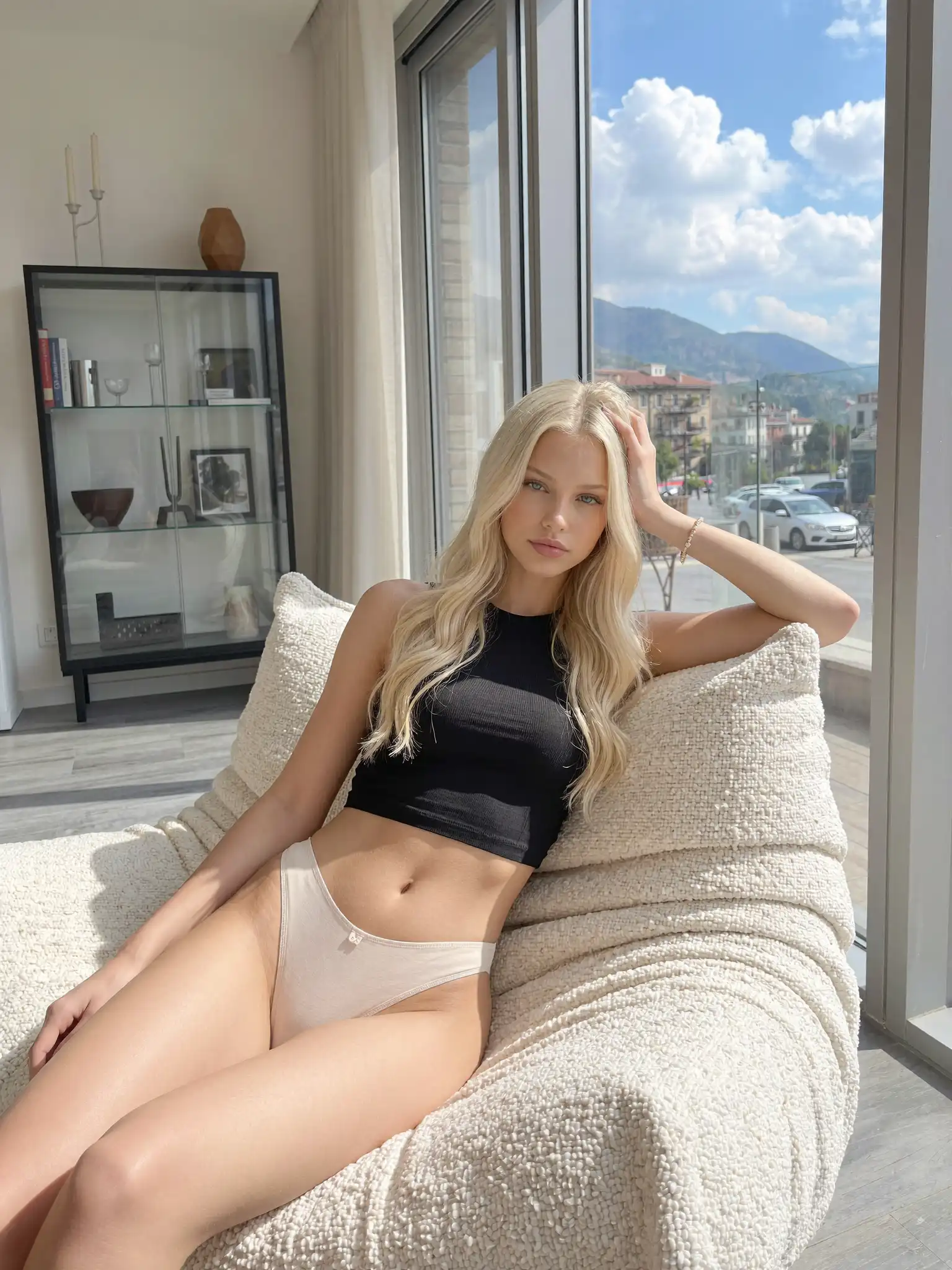
Callie Saint is a strong example of a creator who uses PPV as a core part of her income strategy. Consistent posting, active in DMs, and a clear gap between what she posts on her feed and what she sells through PPV.
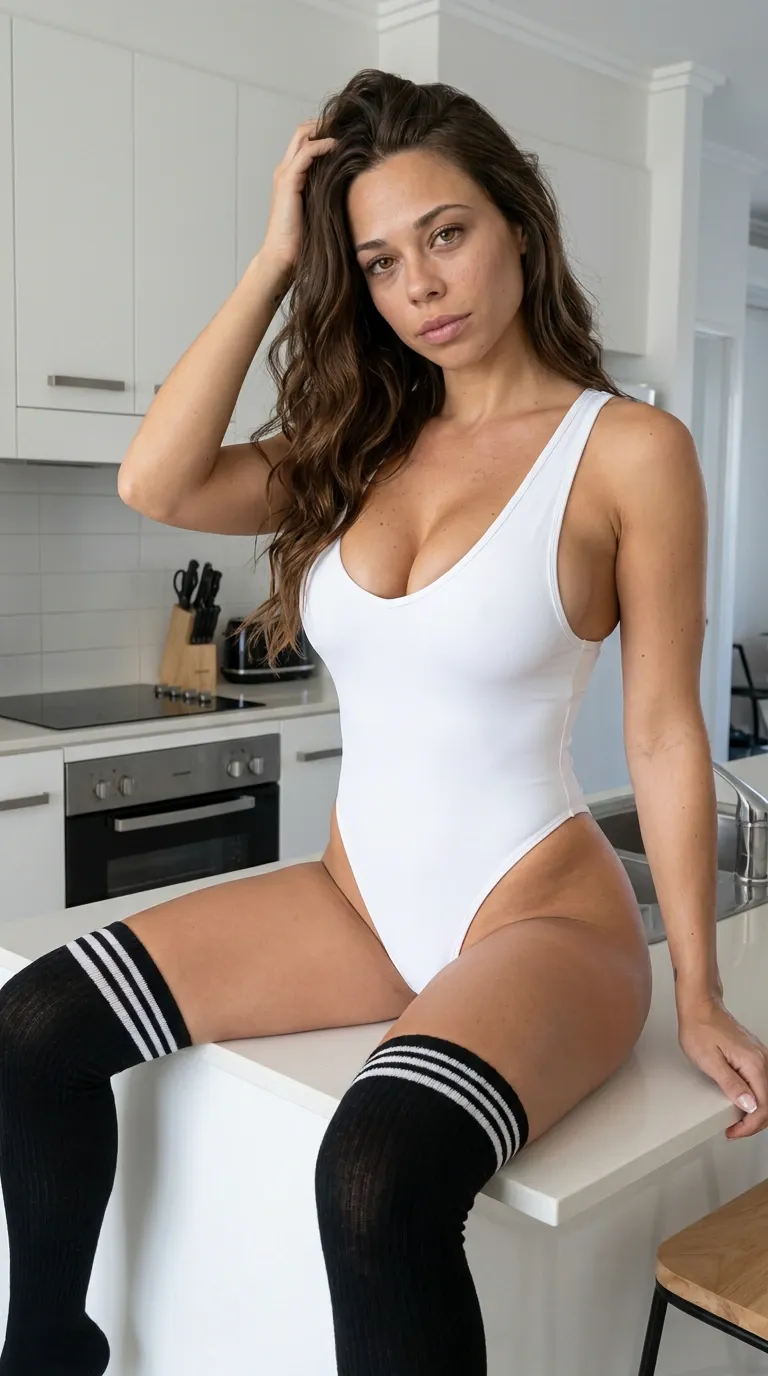
Kathryne builds connection through lifestyle and casual feed content and monetizes that connection through PPV. Fans who feel close to a creator spend more and her feed makes them feel exactly that..
Both creators follow the same pattern, the feed creates desire, OnlyFans PPV satisfies it. That is the foundation of every successful PPV strategy. Find more active creators at AIOnlyFans.com
OnlyFans PPV Message Examples That Convert
These PPV message captions create curiosity without being explicit - exactly what works for converting subscribers who are already warm:
"I just took some photos I've never shared before... want to be the first to see them?"
"I recorded something for you last night. I was thinking about you the whole time 🌙"
"I have a surprise waiting in your messages. I think you're going to like this one."
"Just finished a new set. This one is different from anything I've posted before. Check your DMs."
"I saved this one just for you. Nobody else gets to see this unless they ask nicely 💌"
The pattern in every example is the same - personal, curious, exclusive. The fan feels like this message was sent specifically for them even when it went to thousands of subscribers.
Here is a real example of a PPV message that converts well and why it works:
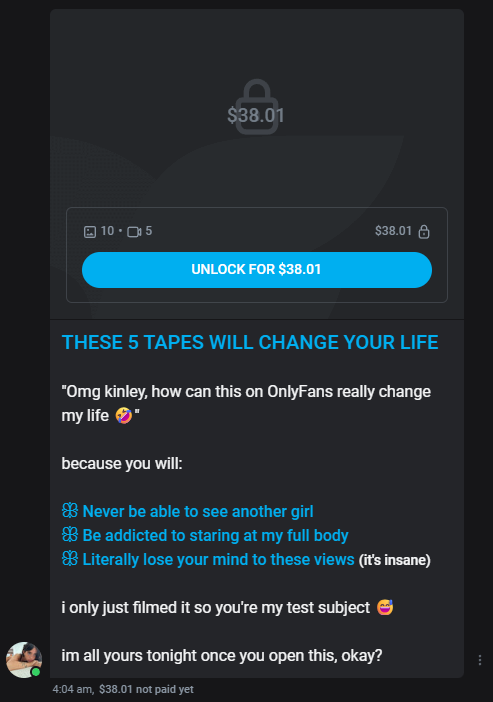
Price $38.01
- not accidental. A higher price signals quality. The fan subconsciously assumes that if it costs this much it must be exceptional. Cheap PPV under $5 often has the opposite effect - it signals low value content.
Caption says you are the only one - "i only just filmed it so you're my test subject" creates a feeling of exclusivity. The fan feels like they are the first to see it which increases the motivation to buy immediately.
Urgency without pressure - "im all yours tonight once you open this" creates a time context. It is not aggressive selling but a natural invitation.
Bullet points are promises not descriptions - "Never be able to see another girl", "Literally lose your mind to these views" are not descriptions of content. They are emotional promises that sell an experience not a product.
10 photos and 5 videos clearly stated - transparent about the quantity of content. Fans who know what they are getting before paying convert at a significantly higher rate than fans who have no idea what is inside.
OnlyFans PPV for Chatters - What They Need to Know
Chatters are responsible for most PPV sales on agency-managed accounts. From experience the biggest chatter mistakes around PPV are inconsistent pricing, sending duplicate content to fans who already purchased, and sending PPV too early in a conversation before the fan is warmed up.
Every chatter needs three things before sending any PPV. A clear list of available content sets with fixed prices. A tracking system showing what each subscriber has already purchased. And a set of tested caption templates they can personalize quickly.
Without these three things duplicate sends and pricing inconsistencies happen constantly at scale. With them PPV revenue becomes predictable and consistent across every account.
Can You Run OnlyFans Without PPV Messages?
Yes. Some OnlyFans creators run accounts with no PPV at all - everything is included in the subscription fee. These are usually creators with a strong personal brand who charge a higher subscription price and use that model to build a loyal community rather than maximizing per-fan spend.
From a fan perspective no-PPV accounts offer more predictable costs. From a creator perspective they work best when your subscription price is high enough to compensate for the lack of additional PPV revenue.
How to Find OnlyFans Creators Without PPV
The easiest way to find creators who do not use PPV is through discovery directories. Check creator bios before subscribing - creators who do not use PPV often mention it as a selling point. AIOnlyFans.com lists verified active creators where you can browse profiles and get a sense of their content style before committing to a subscription.
Common OnlyFans PPV Message Mistakes
Sending PPV too early in a conversation before building any connection with the fan. Sending the same PPV to a fan who already purchased it. Pricing inconsistently across different chatters on the same account. Using generic or empty captions that do not create any curiosity. Sending Mass PPV to your entire list without segmenting out fans who already bought.
Each of these mistakes costs real money. The fix for all of them is a clear system - organized Vault, fixed prices per content set, tracked purchase history per subscriber, and tested caption templates.
FAQ
What is the best PPV price on OnlyFans?
From experience $10 to $20 for photo sets and $15 to $30 for videos converts best for most accounts. Custom content starts at $30 and goes up based on request complexity.
Can fans request a refund on PPV?
OnlyFans does not offer standard refunds on PPV purchases. Once a fan pays to unlock content the transaction is final.
How many PPV messages should I send per week?
From experience 2 to 3 PPV messages per week through DMs is the sweet spot. More than that can feel spammy and increase unsubscribe rates.
Does PPV content expire?
No. Once a fan purchases PPV content they have permanent access to it in their messages.
Can you send PPV to non-subscribers?
No. PPV messages can only be sent to current subscribers of your account.
What is the OnlyFans PPV fee?
OnlyFans takes 20% of all PPV earnings. You keep 80%.
Final Thoughts
PPV messages are the highest earning feature on OnlyFans for most accounts. Subscriptions bring fans in. PPV is how you actually make money from them.
The creators earning the most are not the ones with the most subscribers. They are the ones with the best PPV systems - organized content, consistent pricing, smart timing and captions that convert.
For a full breakdown of how to organize your content for PPV sending read our complete OnlyFans Vault guide. For more guides visit AIOnlyFans.com