 Instagram
Most creators make the same mistake from day one. They post their best content on the feed for free and wonder why subscribers are not spending money in DMs. The feed is not where you make money. The feed is where you make people want to spend money.
From managing multiple accounts the rule is simple. Your feed creates curiosity. Your PPV satisfies it. Everything explicit lives behind a paywall. Everything on your feed should make someone think there is more they are not seeing yet.
SFW vs NSFW — What Goes on Your OnlyFans Feed and What You Sell
Your feed should be SFW or semi-SFW. The best OnlyFans feed posts are lingerie and bikini photos, lifestyle content, teasing sets and behind the scenes moments. SFW OnlyFans content ideas that consistently perform well include mirror selfies, outdoor bikini shots, casual outfit content and teaser clips that hint at PPV without showing it.
What to post on your OnlyFans feed: lingerie and bikini photos, mirror selfies, casual day in your life content, outfit changes, teaser clips that hint at PPV content, polls and questions that drive engagement, behind the scenes getting ready content.
What to sell through PPV and DMs: full explicit content sets, strip sequences, custom content requests, premium video compilations, exclusive content that never appears on the feed.
The simplest way to think about it — if someone can see everything on your feed there is no reason to pay extra. A subscriber who feels like there is always more they have not seen yet will keep spending.
Types of OnlyFans Feed Content That Perform Best
Normal photos and selfies are the foundation of any feed. Smiling selfies, lifestyle shots, casual looks. These are not about being sexy — they are about being real. Subscribers who feel like they know you personally are the ones who spend the most.
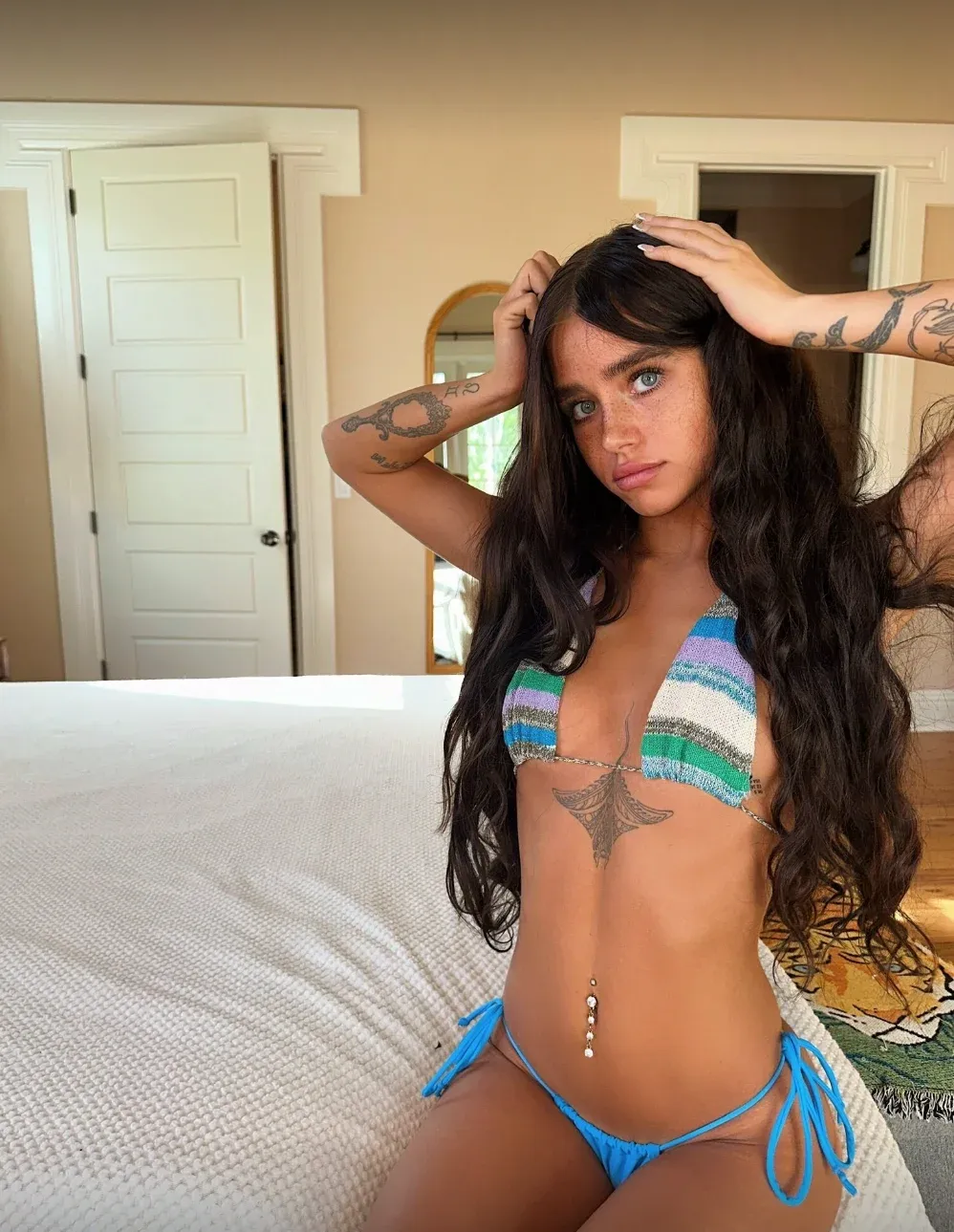
Teasing photo sets are lingerie or bikini photos that are suggestive but not explicit. These are the best OnlyFans photo ideas for driving PPV sales because they create anticipation. The focus should be on expression, angles and energy rather than explicit content.
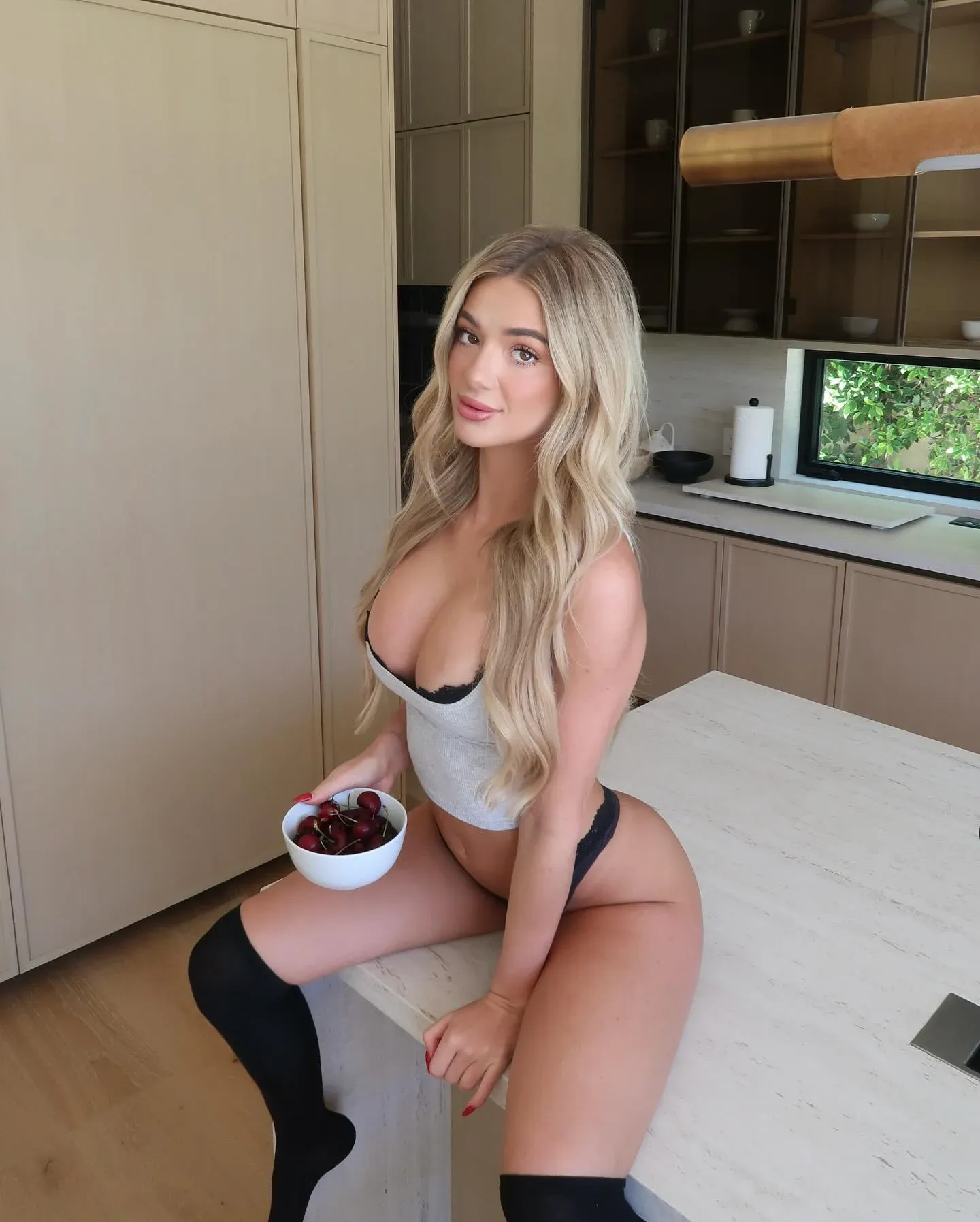
Studio and neutral background content works especially well for teasing sets because nothing competes with the creator for attention. A plain wall or seamless backdrop keeps the focus entirely on you.
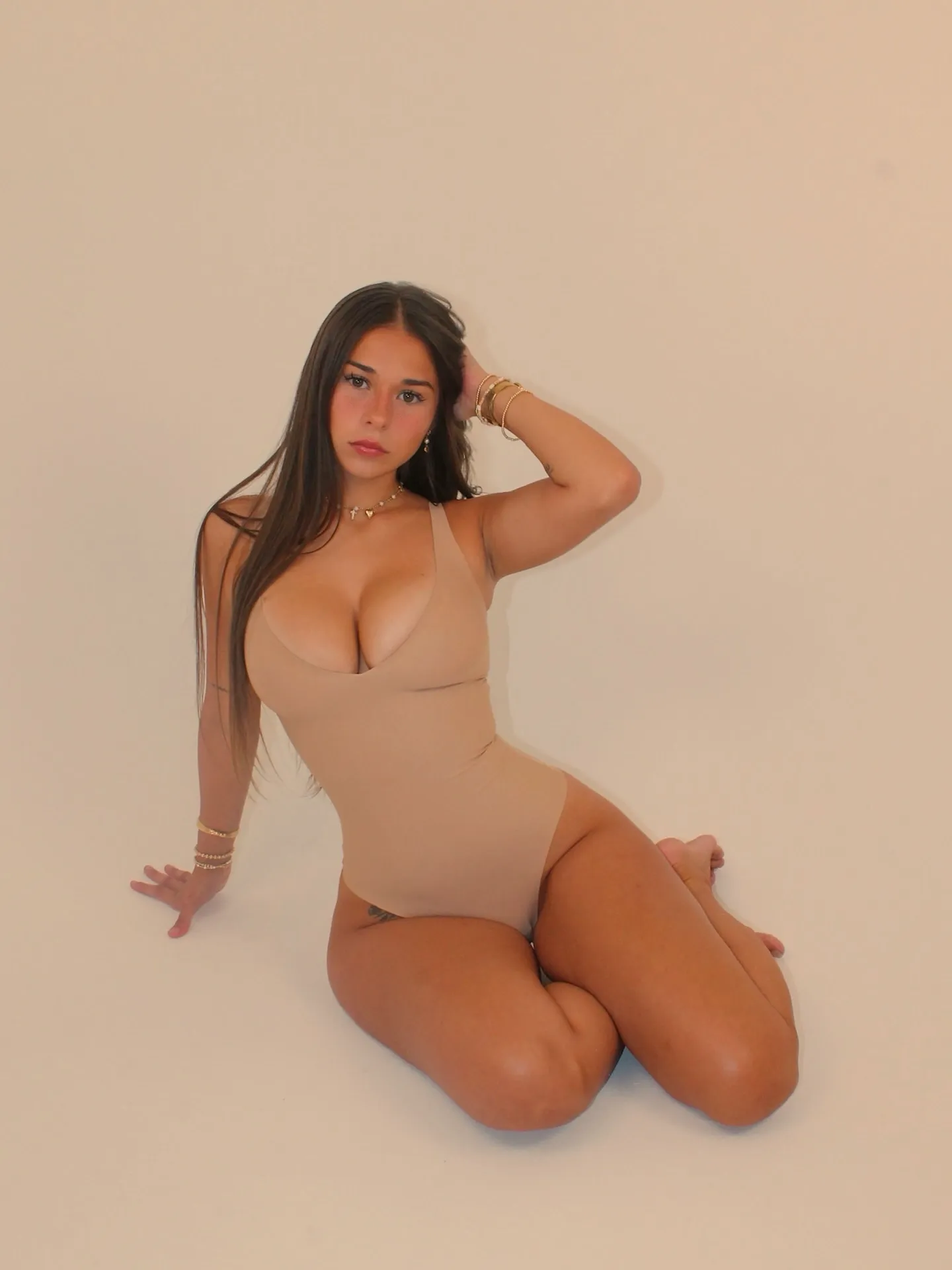
Casual and lifestyle content
builds the personal connection that turns casual subscribers into loyal fans who spend regularly. Subscribers who feel close to you are the ones who keep renewing and tipping.
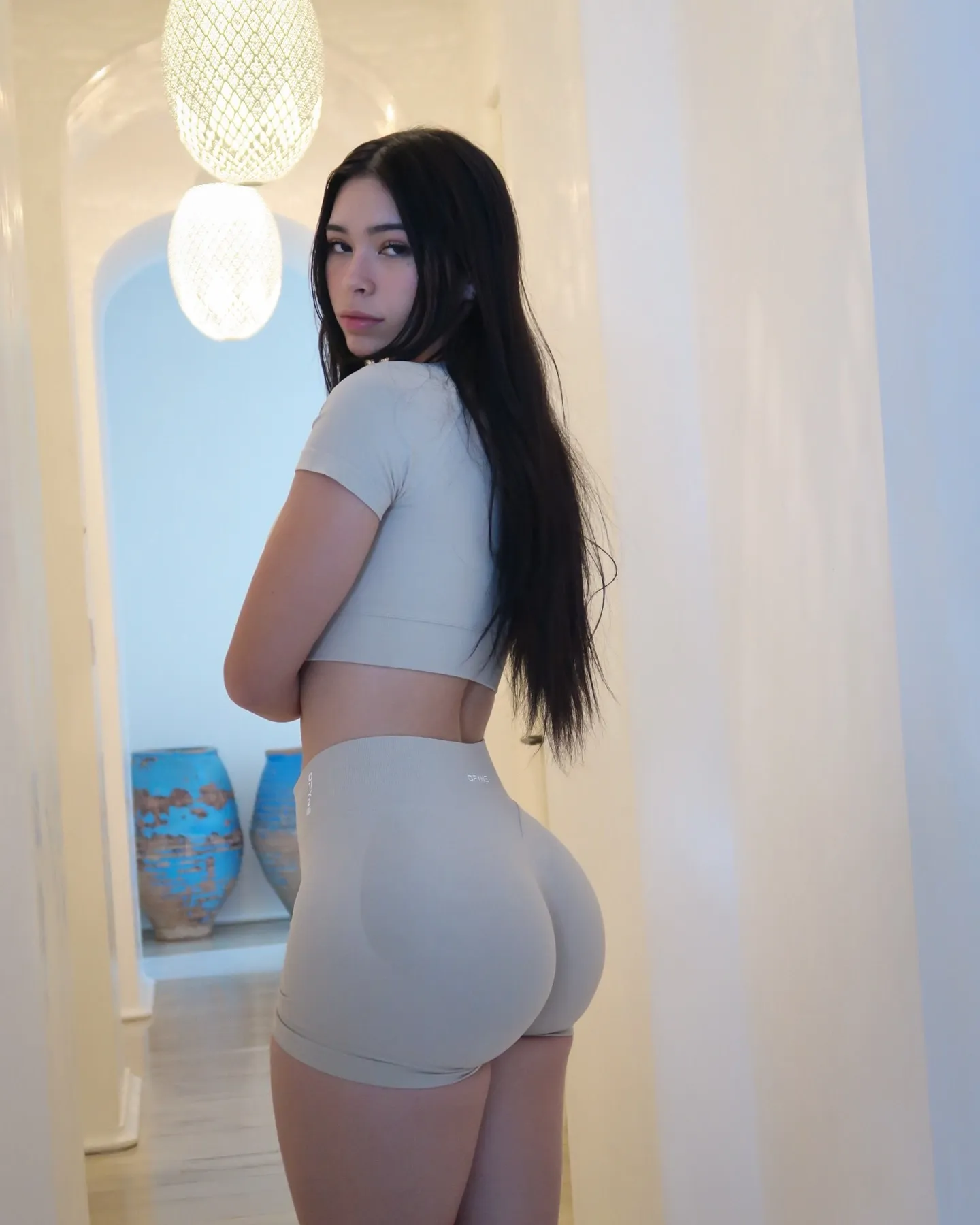
Polls and engagement posts keep subscribers active on your page and tell you exactly what content your audience wants next. Ask questions in your captions. Create This or That posts. The more a subscriber interacts with your feed the more attached they become.
How Often to Post on Your OnlyFans Feed
One of the most common questions new creators ask is how often to post on OnlyFans feed. From experience the answer is once per day minimum. Consistency matters more than volume. A creator who posts every day at the same time builds a habit in their subscribers — fans start checking in daily because they know something new will be there.
If daily posting feels like too much, start with five times per week and build from there. The key is never going more than two days without a feed post. Accounts that go quiet lose subscribers fast because out of sight means out of mind on subscription platforms.
OnlyFans Lighting and Background Rules
The background should never compete with you for attention. A cluttered room, dirty mirror, pile of clothes in the corner, or cords visible on the floor all pull the viewer's eye away from what matters — you.
Keep your space clean, organized and visually simple. Neutral walls, a clean bed, or a styled corner work best. Your environment should complement your energy, not distract from it.
For lighting always face toward your light source. Natural light from a window in front of you is the best option available without any equipment. Never shoot with a window or bright light behind you — this creates dark shadows on your face and body and kills the visual quality of any photo or video.
Avoid dim or shadowy setups entirely. If your face and body are not clearly visible the content does not convert. The simple test is this — would you stop scrolling if you saw this photo? If the answer is no, reshoot it.
Can You Have People in the Background on OnlyFans?
No. OnlyFans strictly prohibits content where unverified individuals appear in the frame — even partially or in the background. This applies to strangers walking past in a public space, friends visible in the background, or anyone who has not been verified through the OnlyFans age verification process. Content with unverified people in the background can result in content removal or account suspension. Always make sure your shooting location is completely clear of other people before you start.
OnlyFans Framing — Fill the Frame With You
One of the most common mistakes creators make is standing too far from the camera. You should fill at least 70 to 80 percent of the frame. Cropped or distant shots reduce impact significantly.
Position yourself centered unless the angle calls for movement. Stay close, stay confident. Your audience is here for you not for your room.
Avoid blending into your background. Strong contrast between you and your environment makes content feel intentional and eye-catching. If your outfit matches your wall color you disappear into the frame.
OnlyFans Content Authenticity — Why Over-Editing Kills Conversions
Content that has been heavily filtered, distorted, or over-edited performs worse than natural content in almost every case. Over-editing lowers authenticity and fans can tell the difference.
The goal is to enhance your natural appearance through proper lighting, flattering angles, makeup and styling — not to create a version of yourself that looks completely different in real life. Fans who feel like they are connecting with the real you spend more and stay longer.
Ask yourself before posting: would I stop and look at this if I was scrolling? If the energy feels flat, the lighting is off, or the background is distracting, those are signs to reshoot rather than filter your way through it.
OnlyFans Content Batching — How to Create More in Less Time
Batching means creating multiple pieces of content in the same outfit, in the same room, at the same time. Instead of shooting one photo and being done, you shoot a full teasing photo set, several short teaser videos, and optional selfies all in one session.
This approach multiplies your output without multiplying your time. One hour of shooting with a clear plan produces enough content for an entire week of OnlyFans feed posts plus multiple PPV sets ready to send from your Vault.
From experience, creators who batch content consistently always outperform those who shoot reactively. You post more consistently, your Vault stays full, and you are never scrambling for OnlyFans photo ideas when you sit down to post.
OnlyFans Caption Strategy — Your Caption Is Part of the Sale
A caption is not just a description of your photo. It is part of the conversion. Every OnlyFans feed post should have a caption that creates curiosity, invites a response, or hints at what is available in your PPV. OnlyFans caption ideas that consistently drive DM conversations are questions, teases, and hints at exclusive content.
The best captions for OnlyFans end with a next step for the subscriber. Never post an empty caption or a string of emojis with no substance. The caption is your chance to start a conversation that moves into DMs where the real revenue happens.
OnlyFans caption examples that work:
"You really think you can handle what I have waiting in your messages?"
"This is the tamest thing I posted today."
"Tell me what you want to see next."
"Guess what outfit I have on under this..."
"I posted something for my top subscribers only. You know where to find it."
"Hot or cold? Tell me below and I'll send the winner something special."
These OnlyFans caption examples follow the same pattern — create curiosity, invite engagement, and always point toward more content available in DMs or PPV.
Final Thoughts
Your OnlyFans feed is your storefront. It should look good, feel real, and always leave subscribers wanting more. Every post is an opportunity to deepen a connection that eventually converts into PPV sales, tips and custom content requests.
For a full breakdown of what actually sells best through PPV and DMs read our what sells on OnlyFans guide. For everything you need to know about setting up your profile correctly before you start posting read our complete OnlyFans setup guide. For more guides on growing and monetizing your OnlyFans visit AIOnlyFans.com