Most creators treat OnlyFans captions as an afterthought. A quick line, maybe an emoji, and post.
That is a mistake.
Your caption is the difference between a subscriber scrolling past and one who unlocks your PPV, replies to your DM, or renews their subscription. As the owner of a six figure OnlyFans agency, I have seen the same photo posted with two different captions perform completely differently. Same content. Same audience. The caption with a question at the end had three times more DM replies.
This guide covers how to write OnlyFans captions that drive engagement, PPV sales, and subscriber retention.
What Is an OnlyFans Caption?
Your content gets someone to stop scrolling. Your OnlyFans caption gets them to act.
On OnlyFans, acting means unlocking a PPV, sending a DM, leaving a comment, or renewing a subscription. None of these happen by accident. They happen because the caption created the right emotional trigger at the right moment.
Fixing captions alone, before changing anything else, consistently moves engagement metrics in the first two weeks on new accounts. For context on the full picture of what drives sales on the platform, read our guide on what sells on OnlyFans.
Why Captions Matter More Than Most Creators Think
Your content gets someone to stop scrolling. Your caption gets them to act.
On OnlyFans, acting means unlocking a PPV, sending a DM, leaving a comment, or renewing a subscription. None of these happen by accident. They happen because the caption created the right emotional trigger at the right moment.
Fixing captions alone, before changing anything else, consistently moves engagement metrics in the first two weeks on new accounts.
The Four Types of OnlyFans Captions
Not every caption has the same job. Before writing one, know what you want it to do.
Engagement Captions
The goal is a reply, a comment, or a reaction. Use these on regular feed posts to warm up the audience before a PPV drop.
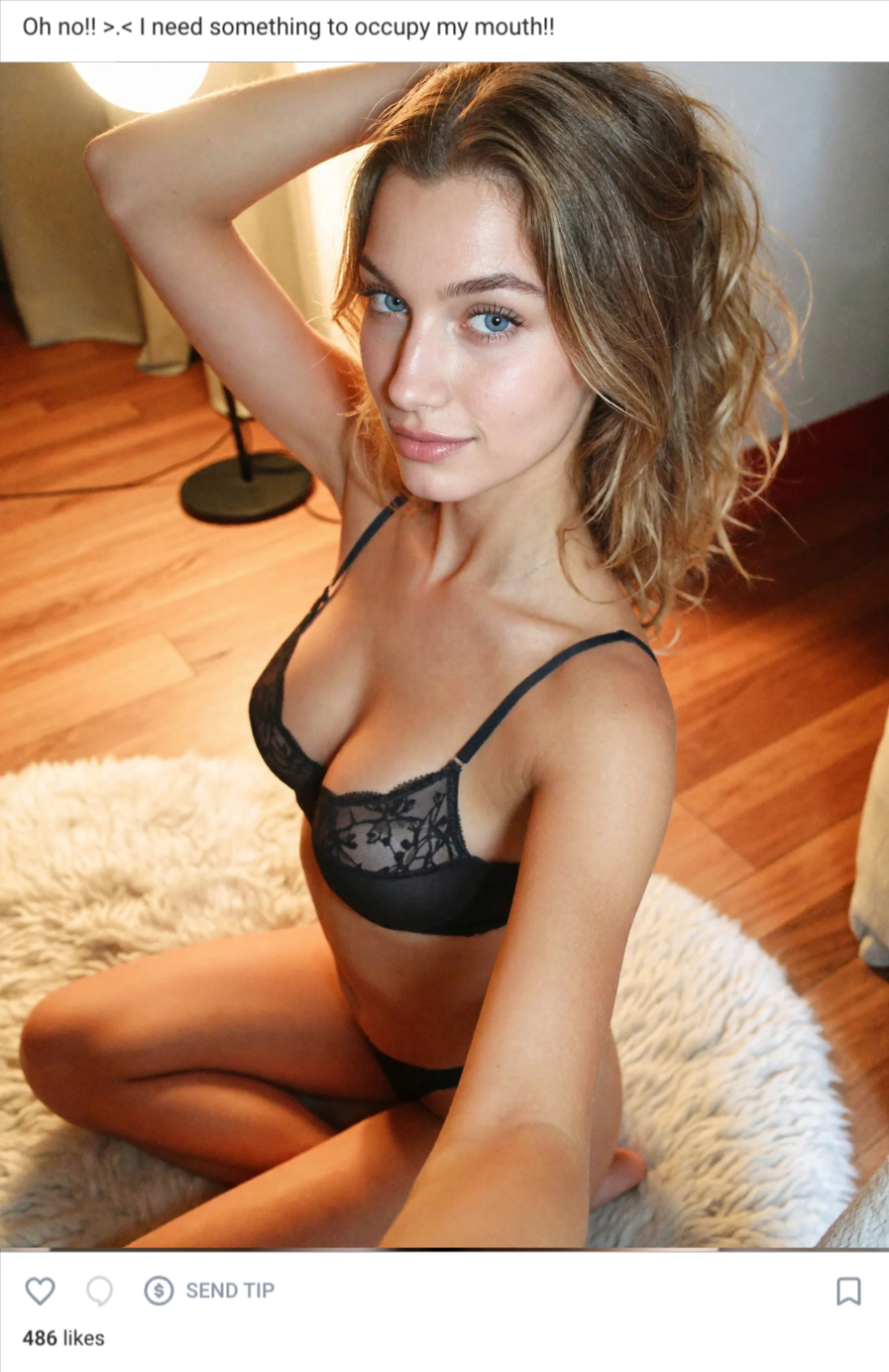
How to write them: Keep it short. Share a feeling or a moment. End with a question. The question does not have to be complicated. It just has to give the subscriber an easy reason to respond. We have tested the same post with and without a closing question consistently. The version with a question gets significantly more replies every time.
PPV Captions
The goal is an unlock. Use these OnlyFans PPV captions on locked content in the feed and in DM broadcasts. For a full breakdown of how to price and send PPV content read our guide on OnlyFans PPV messages.
How to write them: Tease a feeling, not a description. The single biggest mistake we see is creators writing three sentences explaining exactly what is in the message. That kills curiosity and the unlock rate drops. Describe how you felt making it, why you hesitated to send it, or why this one is different. Make unlocking feel like the obvious next step.
Retention Captions
The goal is loyalty. Use these between content drops and in the days before renewal dates. For mass messaging strategy read our guide on OnlyFans mass messages.
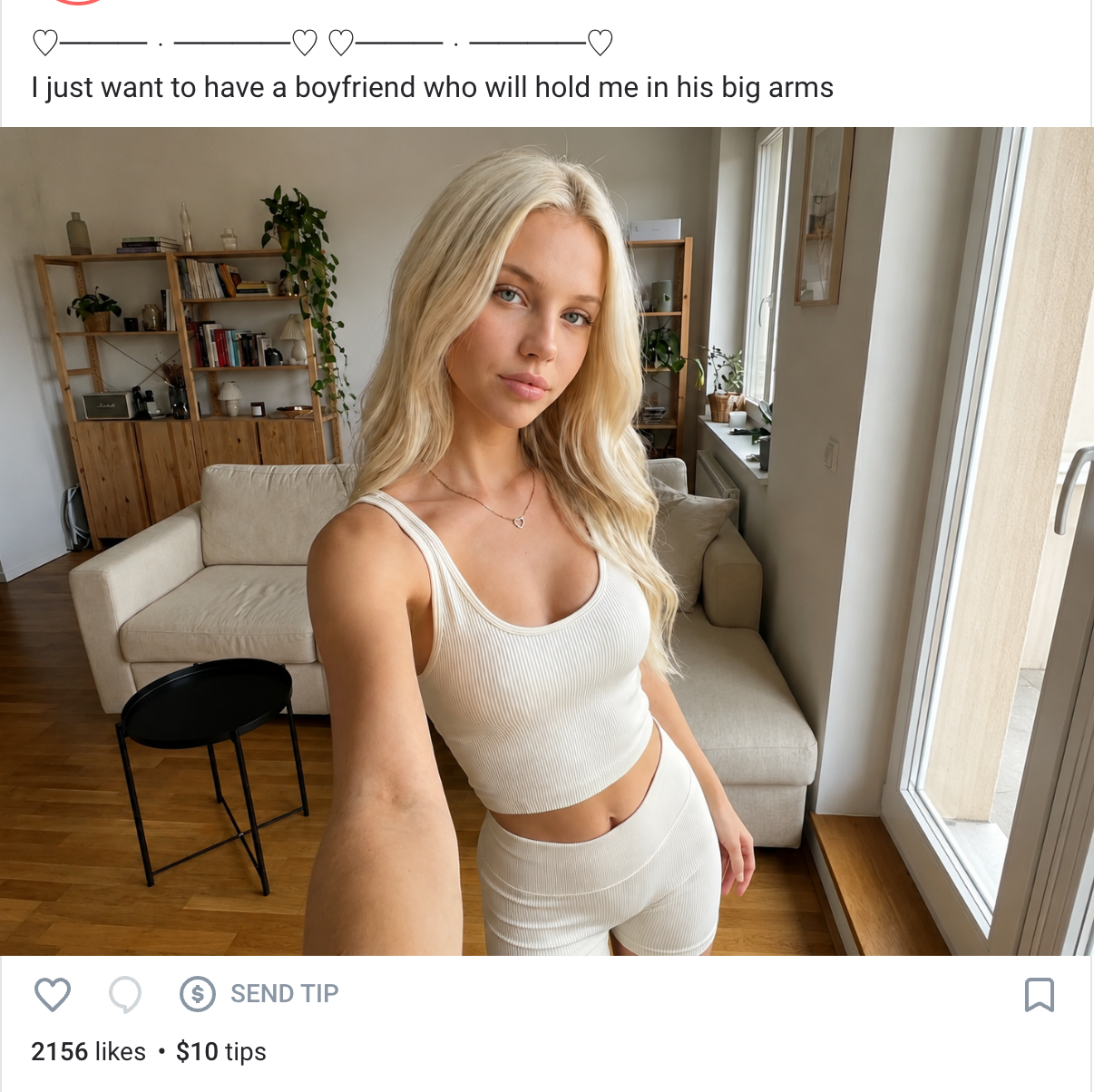
How to write them: Do not sell anything. Make the subscriber feel seen and valued. Express genuine appreciation. Ask how they are doing. Acknowledge the ones who have been around longest. These captions cost nothing to send and consistently reduce churn. Most creators never send them because there is nothing to promote. That is exactly why they work.
Resubscribe Captions
The goal is to bring back lapsed subscribers. Use these before renewal dates and during promotional periods. For targeting specific subscriber segments read our guide on OnlyFans subscriber lists.
How to write them: Warm and personal outperforms promotional every time. A caption that sounds like a notification gets ignored. A caption that sounds like a real person checking in gets read. Remind them what has been happening on the page. Give them a reason to come back that is about them, not about your discount.
OnlyFans Caption Tips That Actually Work
Keep it short. One to three sentences. Subscribers are scrolling. If it takes longer than ten seconds to read you have already lost them. The accounts we manage that post the shortest captions consistently get more replies than those posting long ones.
Lead with feeling, not description. Do not describe what is in the photo. Describe how it felt to take it or how you want them to feel looking at it. Captions that open with an emotion outperform descriptive openers on engagement every time.
End with an invitation. Every engagement caption should end with a question or a soft CTA. Not a demand. An invitation. This single change is the fastest improvement we make on new accounts.
Use urgency only when it is real. We cap urgency captions at once per week per account. If everything is limited and expiring, nothing feels special. Subscribers tune it out fast.
Match the caption to the content. A playful caption under serious content feels off. A heavy caption under something fun kills the mood. When they do not match, subscribers notice even if they cannot articulate why.
One emoji is usually enough. Emojis work when they punctuate a thought. A line of emojis with no text tells the subscriber nothing.
OnlyFans Caption Ideas by Niche
The right caption style depends on your niche. GFE creators convert best with warm, personal captions that feel like a message from a real person. Fitness creators do well with captions that combine the aesthetic with a question. Cosplay and e-girl niches respond to playful, personality-driven captions that feel like an extension of an online persona. AI OnlyFans creators should keep captions warm and consistent to reinforce the fantasy.
Whatever your niche, the same rules apply. Short, feeling-driven, and ending with an invitation. Not sure which niche fits you yet? Read our complete OnlyFans niche guide.
What to Avoid in OnlyFans Captions
Describing what is already visible. Use the caption to add something the image cannot.
Begging for engagement. Invite. Never beg.
Walls of text. If your caption requires effort to read it will not get read.
Generic openers. "Hey guys", "hope you like this", "new post" — these could belong to anyone. The first line is the hook. Make it count.
Overdoing urgency. Reserve urgency language for real promotions.
How Captions Fit Into Your OnlyFans Strategy
A caption is not a standalone tool. It is part of a system.
Your profile brings in traffic. Your bio converts visitors into subscribers. Your content keeps them engaged. Your captions push them toward the actions that make you money — unlocking PPV, replying to DMs, renewing subscriptions.
Every caption should have a job. Before posting, ask yourself what you want the subscriber to do after reading it. If the answer is nothing, rewrite it.
We audit every account that joins the agency using this exact framework. Caption by caption, post by post. In most cases it is the single fastest lever we can pull to improve performance without changing anything else.
For more on what drives sales on the platform read our guide on what sells on OnlyFans and our complete OnlyFans profile setup guide.
FAQ
How long should an OnlyFans caption be?
One to three sentences. Keep the most important information at the top and cut everything that does not add to it.
Should every post have a caption?
Yes. A post without a caption is a missed opportunity to start a conversation, tease a PPV, or build loyalty.
Can I reuse captions?
Avoid repeating the same caption word for word. Subscribers notice. If you want to reuse an idea, change the wording and the angle.
How do I write captions for PPV?
Tease without revealing. Describe the feeling, not the content. Make unlocking feel like the obvious next step.
Do captions affect OnlyFans earnings?
Yes. Caption quality directly affects PPV unlock rates, DM reply rates, and subscription renewal rates. We have seen caption improvements alone move revenue on accounts that had not changed anything else.
How often should I change my caption style?
Test different styles regularly. What works for one audience does not always work for another.
Final Thoughts
Captions are one of the most underused tools on OnlyFans. Most creators write them in thirty seconds without thinking about what job they need to do.
The creators who consistently monetize well treat every caption as a micro sales tool. They know whether they are trying to start a conversation, sell a PPV, build loyalty, or win back a lapsed subscriber. And they write accordingly.
Start with one caption type. Test it. Then another. Over time you will find what works for your audience specifically.